-1.png?width=200&height=51&name=LM_NuBlu_Horiz_Hi%20(1)-1.png)
How to Change a Vehicle on an Existing Reservation
To switch the vehicle on your reservation, follow these simple steps:
Find Your Reservation
Navigate to the reservations page and locate the one you wish to modify.
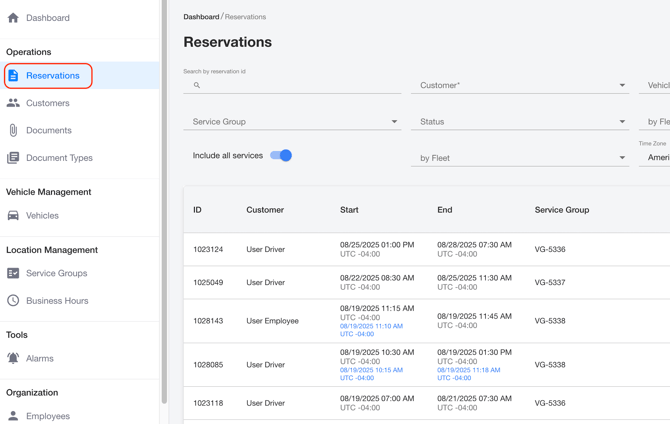
Open the Details
Click on the reservation to open its details page.
Start the Change
On the details page, select the Change Vehicle button. A new window will appear.

Select a New Vehicle
In the new window, choose the service group and the specific vehicle you want.
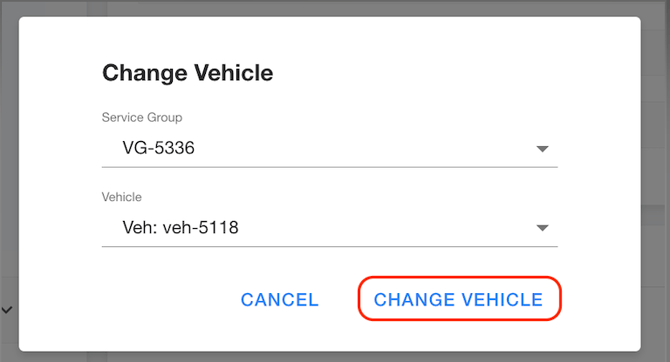
Confirm and Save
Click the Change Vehicle button to finalize your selection.
The vehicle on your reservation will now be updated.