-1.png?width=200&height=51&name=LM_NuBlu_Horiz_Hi%20(1)-1.png)
To change the time for an existing reservation, follow these steps:
Find the Reservation
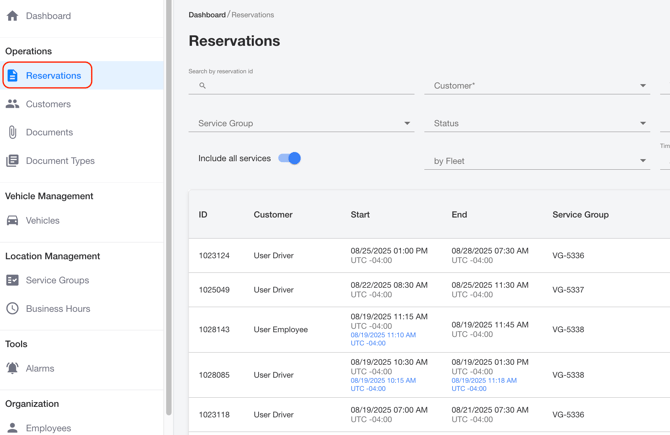
Navigate to the reservations page. Search, find and select the reservation you need to modify.
Open the Editor
On the reservation details page, click the Edit Reservation button. A new window will appear with options to update the reservation's times.

Change the time
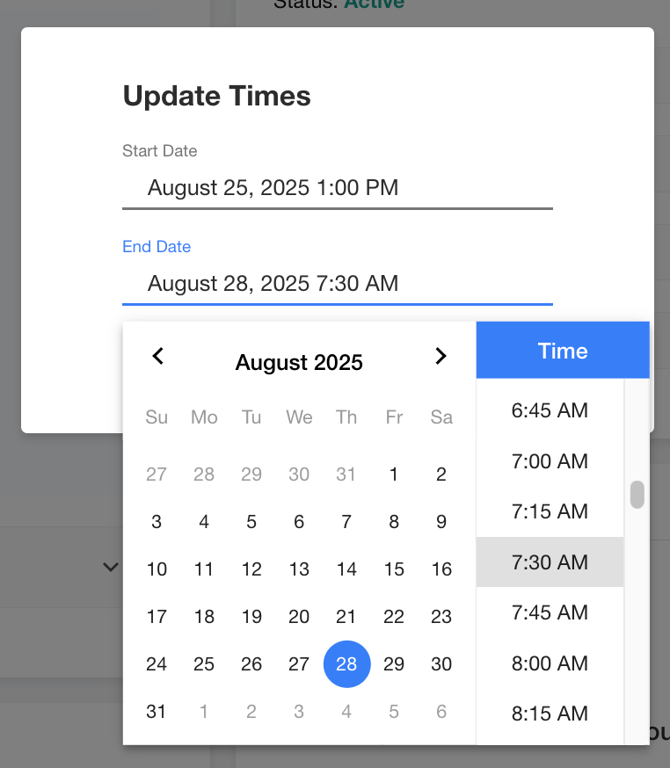
Click on the current date. A calendar and time selector will pop up.
Select a New Time
Choose the new time and date you want for the reservation.
Confirm Update
Once you have selected the new time and date, click the Update Times button to save your changes.
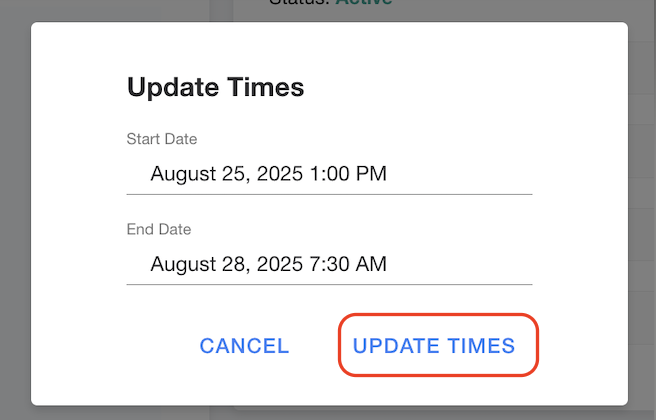
The reservation's date will now be updated.