-1.png?width=200&height=51&name=LM_NuBlu_Horiz_Hi%20(1)-1.png)
When to Use Master Access
This feature is primarily intended for high-urgency scenarios where standard system protocols may impede rapid mobilization:
-
Critical Events: Rapid fleet deployment during natural disasters, life-safety emergencies, or infrastructure failures.
-
Operational Efficiency: Facilitating bulk non-emergency operations, such as weekend maintenance or fleet-wide servicing, by simplifying vehicle entry for operations teams.
Key Functionalities in Mission Control
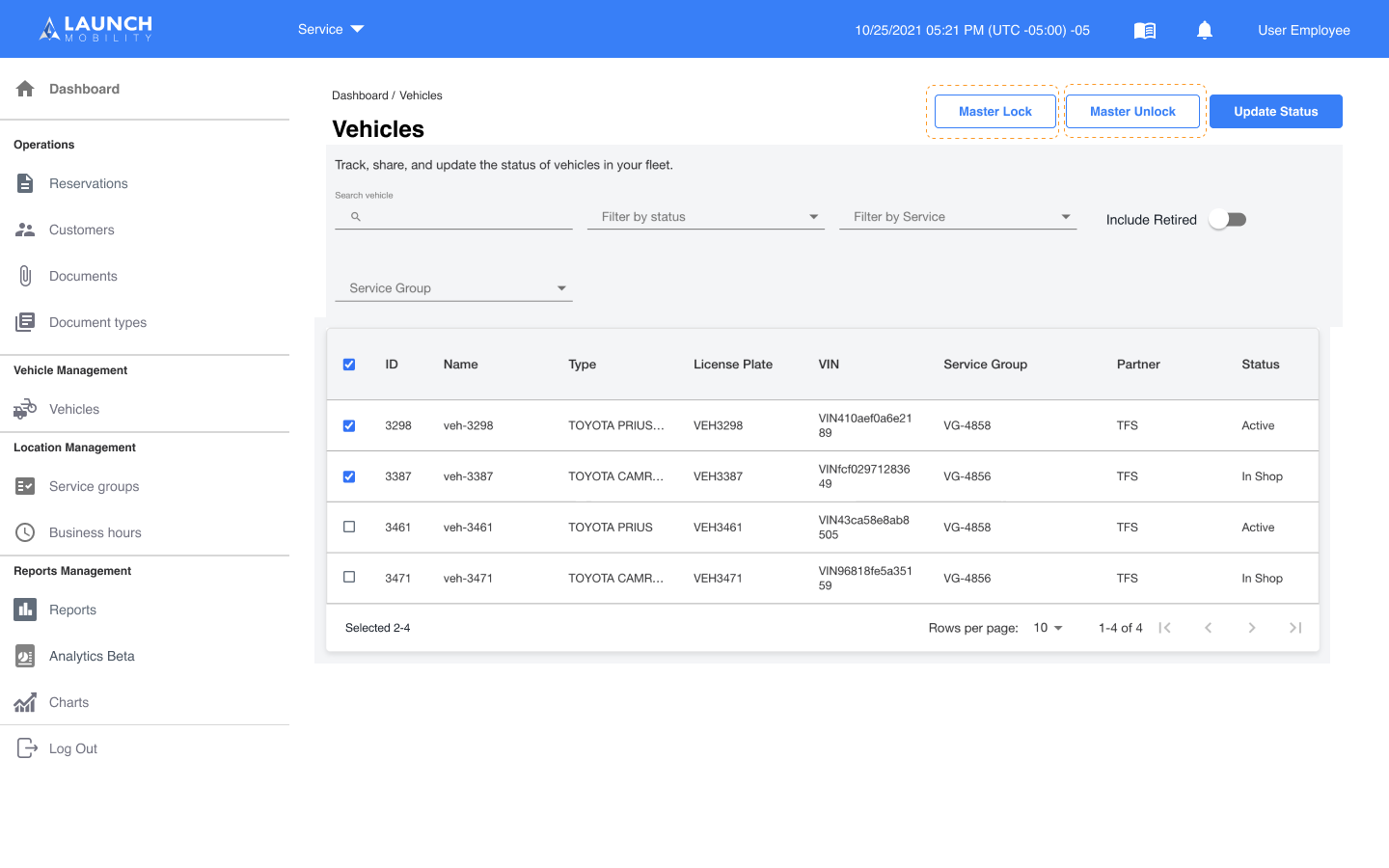
Administrators can execute bulk commands for a selection of vehicles directly through the Mission Control interface:
-
Master Unlock: Instantly unlocks the doors of selected vehicles.
-
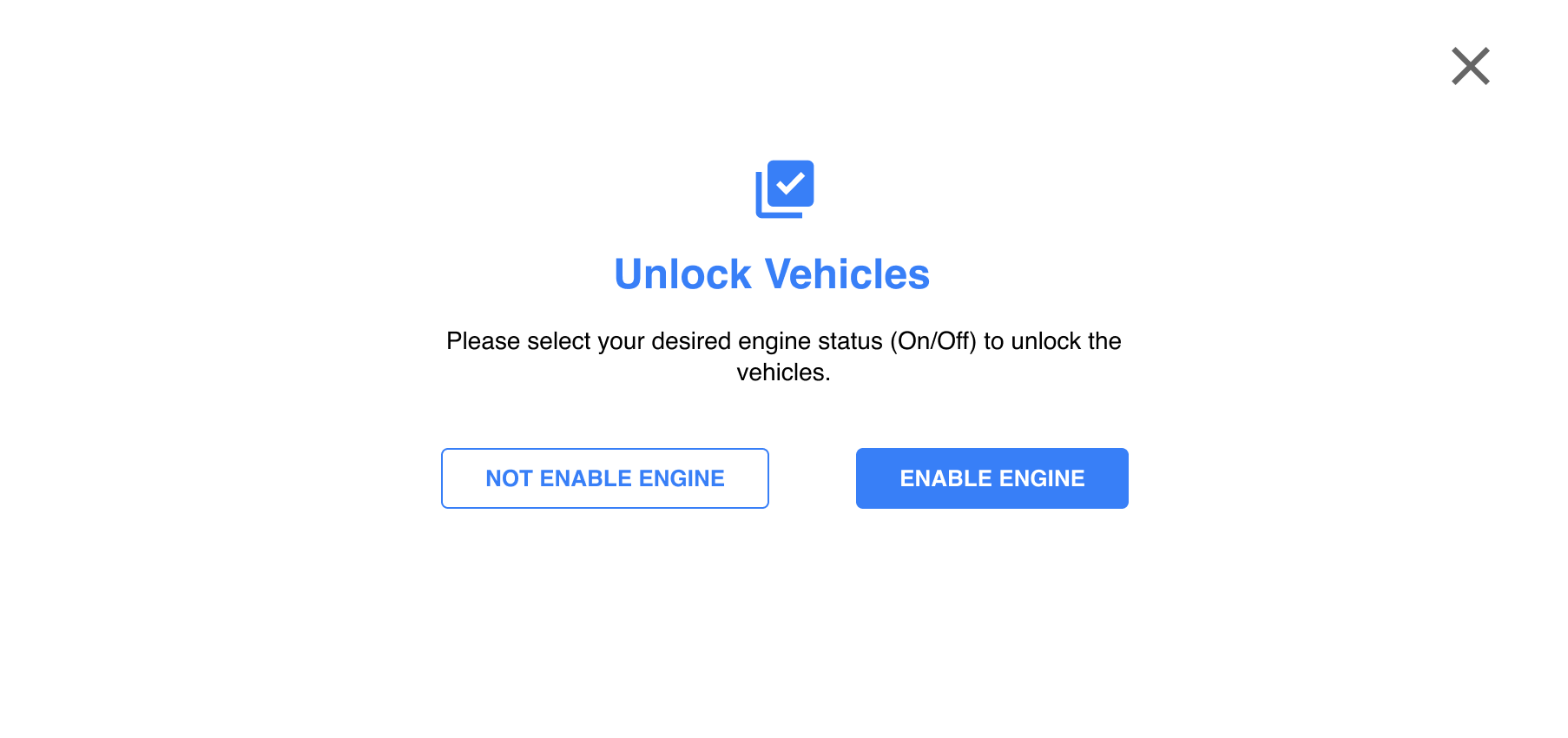
Engine Control: When triggering a Master Unlock, you have the specific option to Enable or Disable the engine.
-
Master Lock: Instantly secures the doors of the selected vehicle group.
Important Security Protocols
Because Master Vehicle Access is a security bypass tool, the following precautions are in place:
-
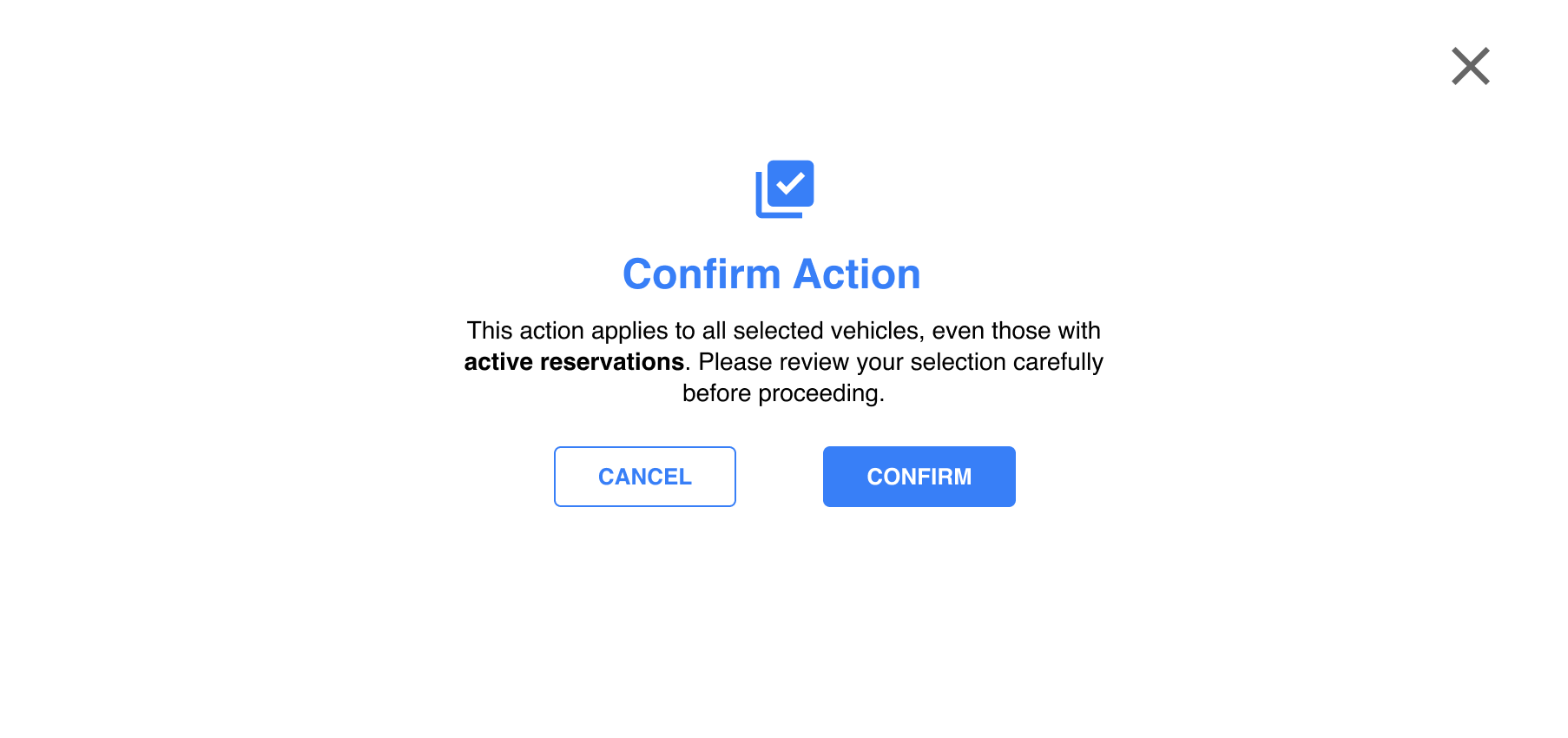
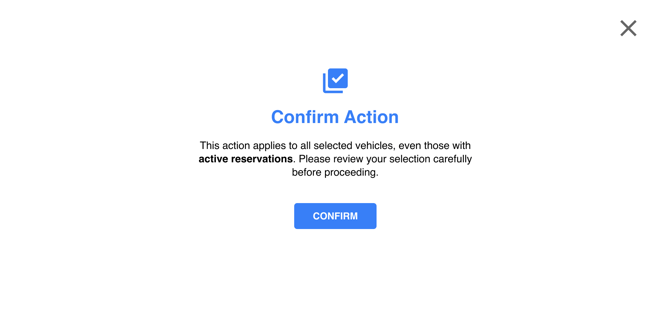
Confirmation Modals: To prevent accidental activation, a clear confirmation window will appear before any master command is sent to the fleet.
-
Manual Restoration Required: The system does not currently include automated deactivation or a pre-set expiration for the Unlock state.
-
Administrator Responsibility: Standard permissions and security protocols must be manually restored by an Admin once the critical event or maintenance task is complete.