-1.png?width=200&height=51&name=LM_NuBlu_Horiz_Hi%20(1)-1.png)
Steps to Start a Reservation
To start a reservation in Mission Control that has already been created, follow these simple steps:
Find Your Reservation
Navigate to the reservations page and locate the specific reservation you need to start.
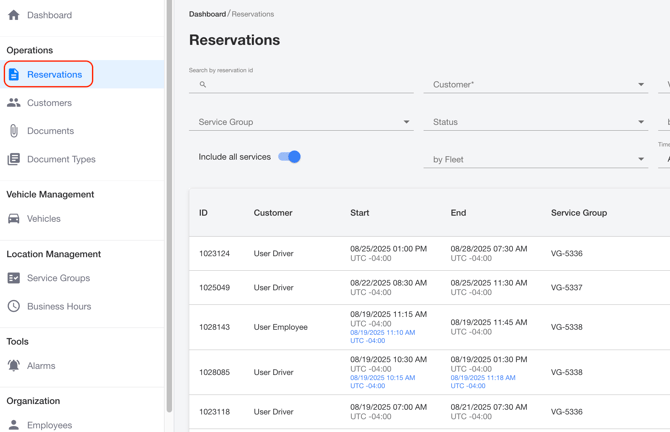
Open the Details
Click on the reservation to open its details page.
Initiate Start
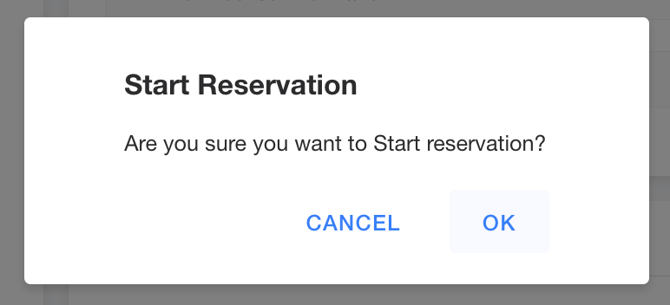
In the top right corner, find and click the Start Reservation button. A confirmation window will appear.

Confirm
In the confirmation window, click Ok.
Once you confirm, the reservation will be officially started.